
Last updated October 16, 2026
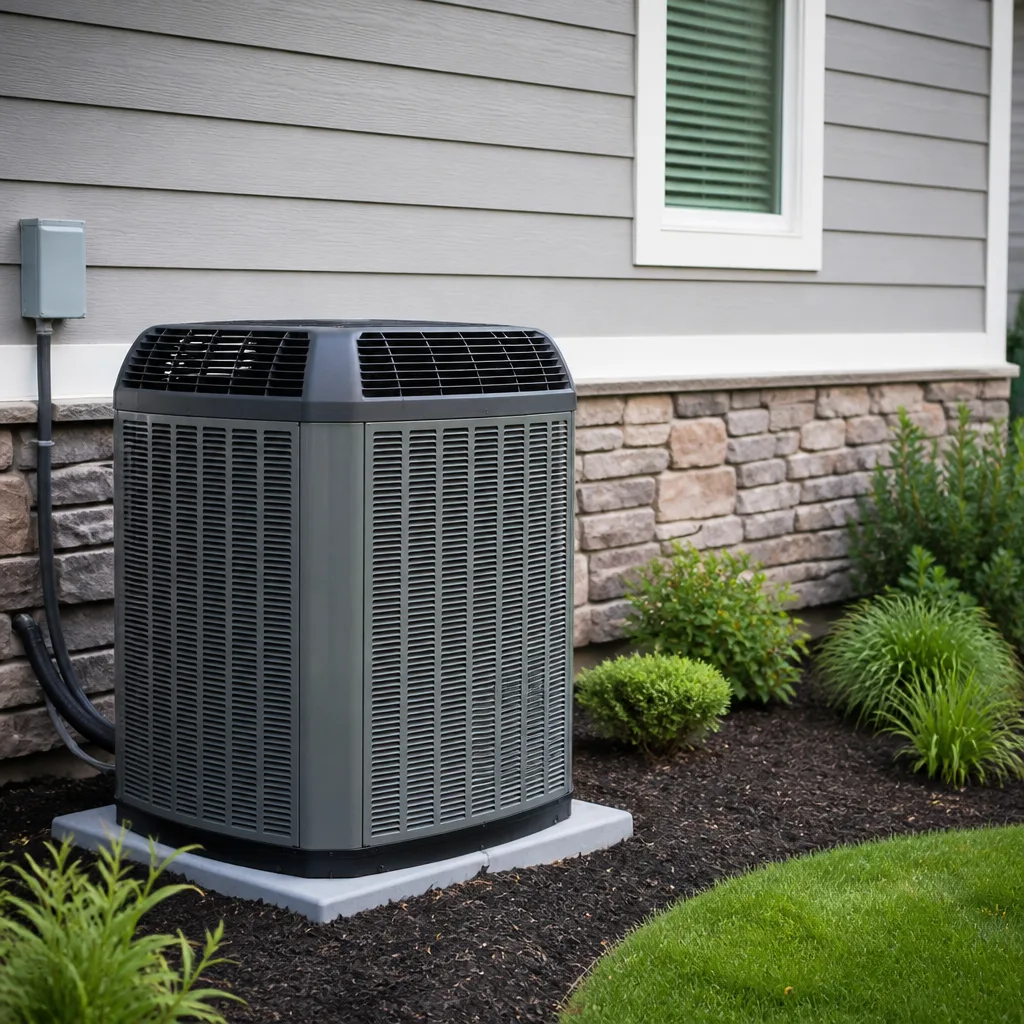 AC repair
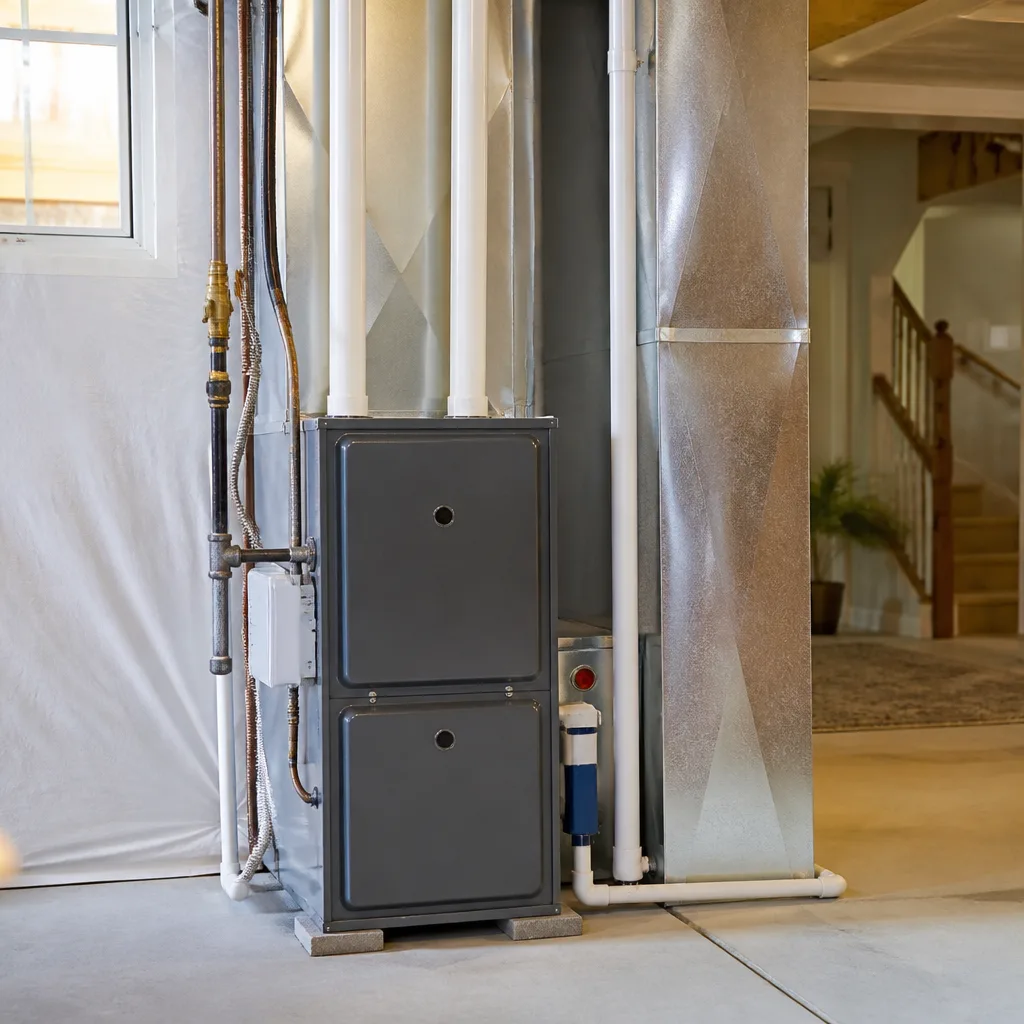 Furnace & heating
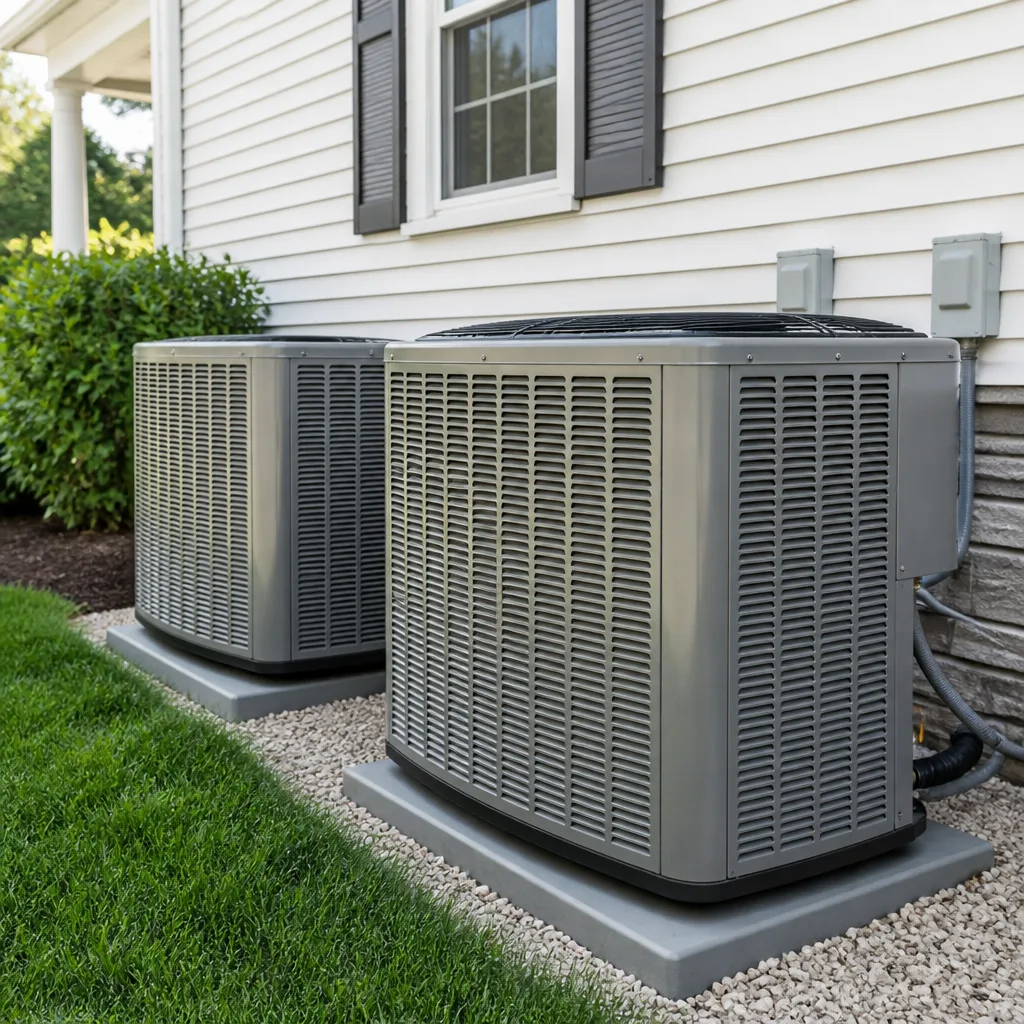 Heat pumps
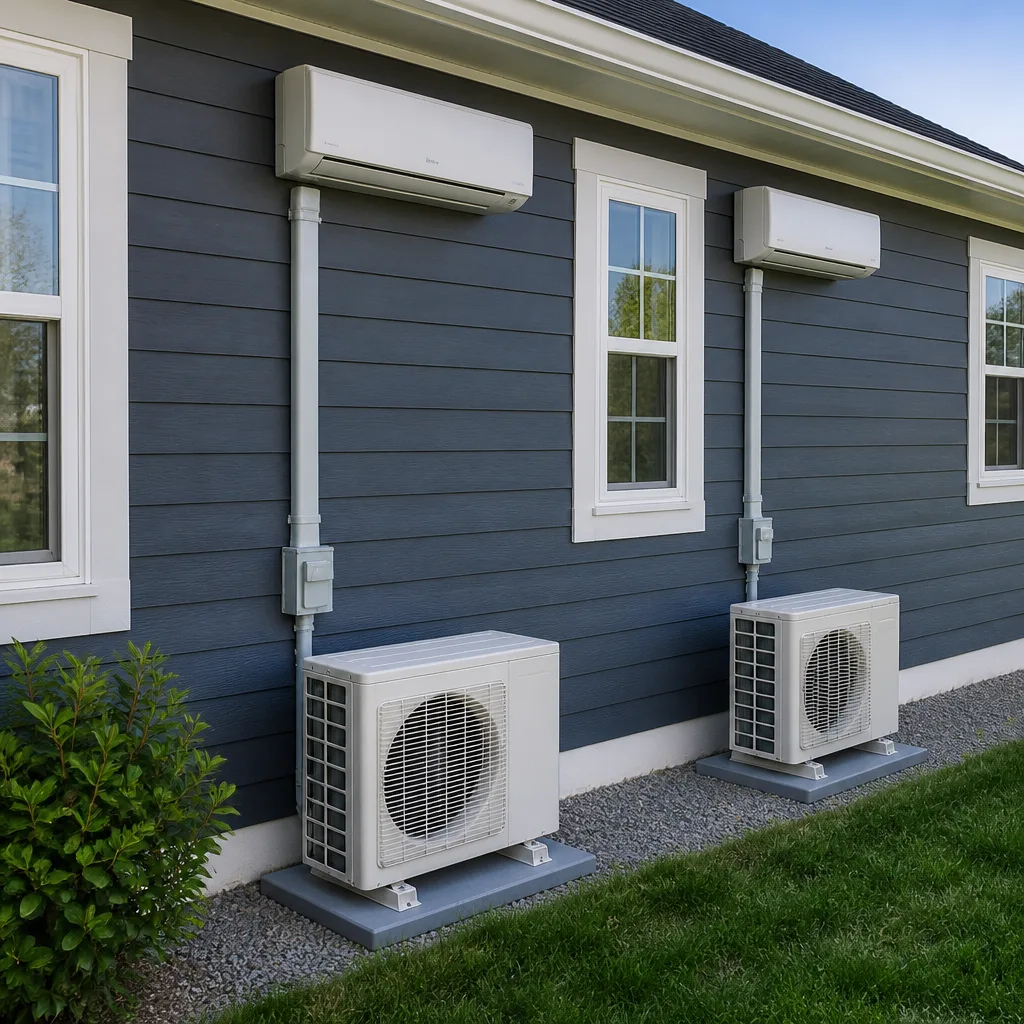 Ductless mini splits
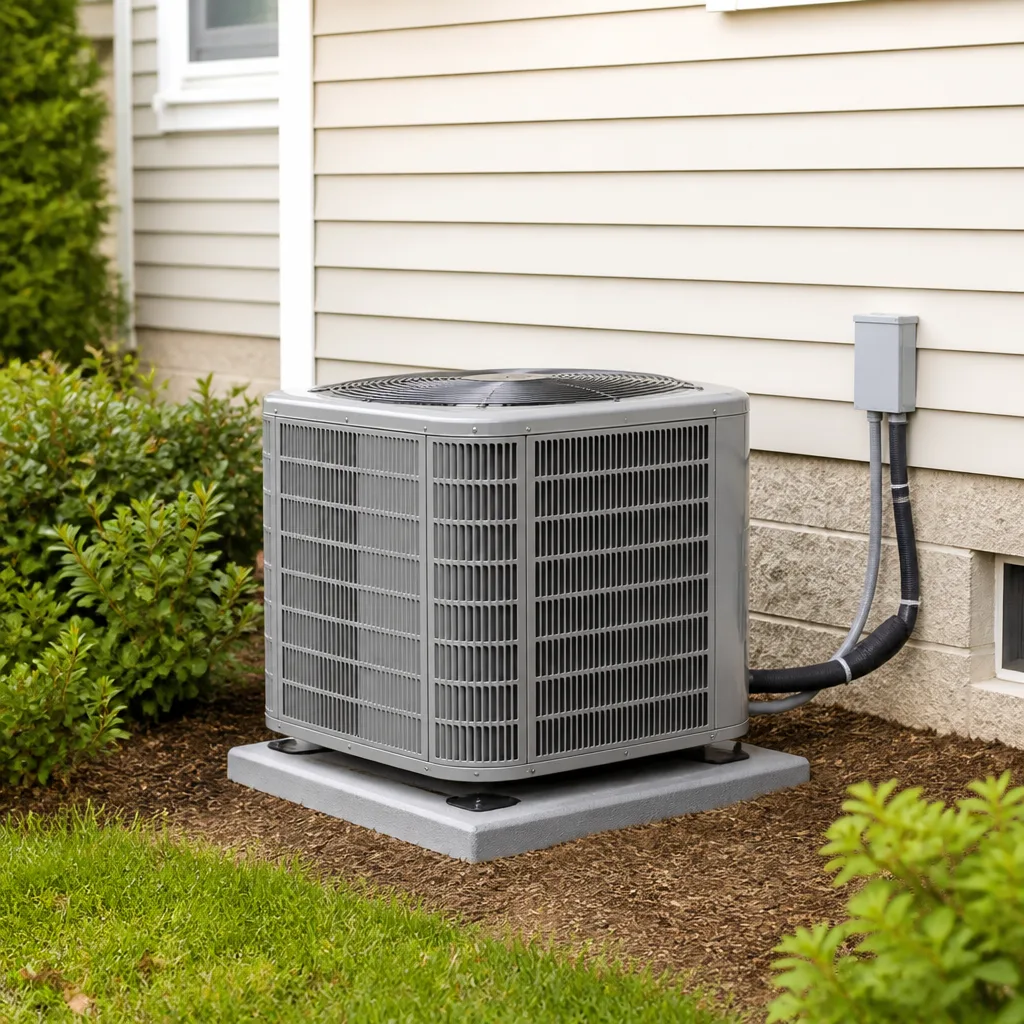 Carrier
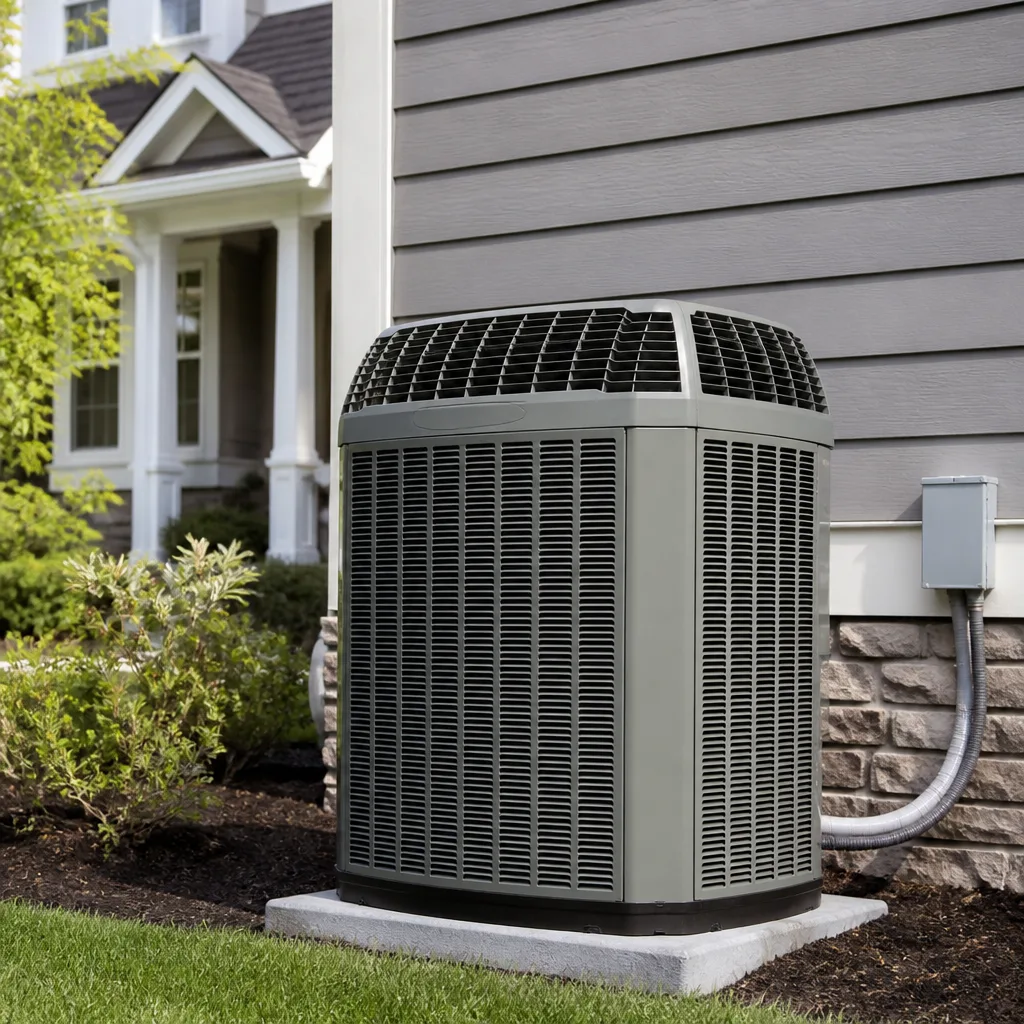 Trane
Trane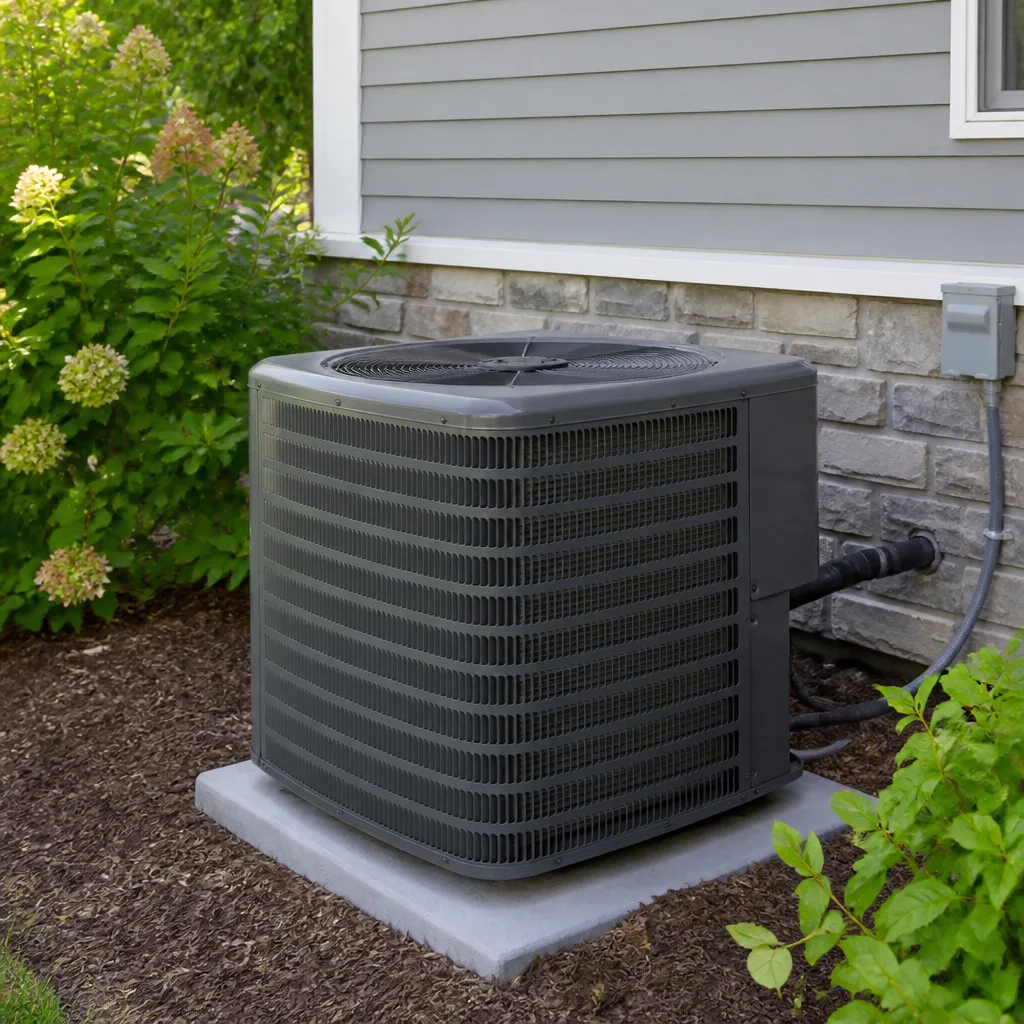 Goodman
Seasonal tune-up and full diagnostic on your Carrier, Trane, or Goodman system - readings shown to you before any repair is proposed
Diagnosis first, numbers second - you approve the repair price before a single part goes in.
Get your free estimateAC Repair Maintenance Checklist for Austin Homeowners
Condensate drain clogs are the single most common AC service call in Austin from May through September, yet they appear as a footnote, or not at all, on most generic maintenance checklists found online. That gap tells you something important: most maintenance advice is written for moderate, drier climates where a condensate line trickles. Austin is different. Our heat arrives early, humidity hangs around for months, and cedar, oak, and mold each take their turn in the air. This guide is organized by what actually breaks here, in the order it tends to break, so you can spend your maintenance time where it counts-similar to what we cover in The Complete Guide to HVAC in Austin.
Styles & brands we work with
Quick Answer
A practical AC maintenance checklist for Austin homeowners must prioritize condensate drain flushing, filter replacement on a humidity-aware schedule, and thermostat data-log review for short-cycling. In Central Texas, the smartest approach is to treat maintenance as a rolling, month-by-month routine rather than a single spring service: flush the drain line monthly from May through October, check the filter every 30 days, and schedule a professional AC Repair inspection once before the summer peak and once after it.
Table of Contents
- Why Austin AC Maintenance Is Different
- The Month-by-Month Maintenance Timeline
- Condensate Drain Care: The One-Minute Flush Test
- Filter Strategy for Austin’s Humidity and Allergen Seasons
- Reading Your Thermostat Data Log to Catch Short-Cycling
- What a Professional Maintenance Visit Should Include
- Repair vs. Replace in Austin’s Long Cooling Season
- Common Mistakes to Avoid
- When to Call a Professional
- Frequently Asked Questions
- The Bottom Line
Why Austin AC Maintenance Is Different
An air conditioner in Austin does not get the same life as an air conditioner in Chicago or Seattle. Our cooling season often runs from March through November, and in some years we see 90-degree days in February and October. That is roughly 2,500 to 3,000 hours of annual runtime, nearly double what a northern unit experiences. Runtime alone ages components, but Austin adds two compounding factors: sustained humidity and a relentless allergen calendar.
Humidity matters because it drives biological growth. When your evaporator coil pulls moisture from the air, that water has to go somewhere. In a dry climate, it evaporates. In Austin, it pools, drips, and drains, and every drop carries dust, pollen, and organic matter. The result is a dark, damp condensate pan and drain line that becomes a breeding ground for algae and mold. Once that growth starts, it does not stop on its own.
Allergen seasons matter for a different reason. Cedar fever runs from December through February in Central Texas, with counts that regularly rank among the highest in the country. Oak pollen follows from March through May. Mold spores spike after every spring rain and stay elevated through the humid summer months. Each of these seasons loads your return air with fine particulates that clog filters faster than the packaging suggests, and every clogged filter forces your blower motor to work harder and your evaporator coil to run colder than it should. In Austin, a maintenance checklist that treats filter changes as a quarterly task is already behind schedule. If you’re dealing with repeated breakdowns despite regular care, it may be time to consider AC Repair in Austin services from a team that understands local conditions.
The Month-by-Month Maintenance Timeline
Most checklists split maintenance into spring and fall. In Austin, that framework falls apart because our problem windows do not align with equinoxes. The following timeline reflects what we see in the field, month by month, with tasks tied to what is actually happening in Central Texas air.
December through February: Cedar Season and the Shoulder Months
- Change the filter before cedar peaks. Cedar counts in Austin typically spike hardest in January. A fresh filter at the start of December and another at the end of January keeps your system breathing during the worst of it.
- Run the system once a week. Even in mild winter weeks, cycle the AC for 10 minutes. This keeps seals lubricated and reveals problems before March heat arrives.
- Inspect the outdoor unit. Winter storms in Austin bring wind, leaves, and occasionally ice. Clear debris from the condenser fins and make sure no yard furniture has migrated against the unit.
March through May: Oak Pollen and First Heat Waves
- Schedule your pre-summer professional maintenance. Book it in March or early April, before the first sustained 90-degree stretch. Technicians are easier to schedule now than in June, and you’ll catch refrigerant and electrical issues before peak load.
- Flush the condensate drain line monthly. Start this habit in March and keep it through October. More detail below.
- Check the filter every 30 days. Oak pollen clogs filters visibly and quickly. A filter that looks dirty at 30 days has already cost you airflow.
June through September: Peak Heat, Peak Humidity, Peak Load
- Flush the condensate drain monthly. This is the highest-yield single task you can do in Austin summer.
- Watch your thermostat data log for short-cycling. Heat waves expose weak capacitors and failing compressors. Catch the pattern before the breakdown.
- Keep the outdoor unit shaded if possible, but not enclosed. Austin sun is brutal on condenser coils. A shade screen or a few feet of clearance from a west-facing wall helps, but never box the unit in.
October and November: Mold Pressure and Shoulder Recovery
- Schedule post-summer maintenance. After 2,500 hours of runtime, your system deserves a checkup. October is ideal: technicians can inspect for wear before winter heating needs compete for attention.
- Flush the drain line once more before the system goes quiet. Stagnant water in the line during winter is exactly how biological growth gets a head start for next spring.
- Change the filter again in November. Mold spore counts in Central Texas stay elevated well into fall. Do not let your system sit all winter with a loaded filter.
Condensate Drain Care: The One-Minute Flush Test
A clogged condensate drain is the most common cause of water damage from an HVAC system in Austin, and it is also one of the easiest problems to prevent. Your air conditioner removes gallons of water from the air every day during a humid Austin summer. That water leaves the house through a PVC drain line, usually a white pipe near the indoor unit. When the line clogs, the water backs up into the drain pan, and from there it can overflow onto your ceiling, floor, or walls. In our experience in Austin, we see this failure pattern more than any other single issue between May and September.
Here is the one-minute flush test any homeowner can perform. You are not opening the unit or touching any electrical components. You are simply pouring water into the drain line and observing what happens. Follow these steps:
- Locate the condensate drain line. It is the PVC pipe near your indoor air handler, usually in a closet, attic, or garage. Look for a T-shaped opening with a cap, often near the top of the pipe.
- Remove the cap. The cap is typically not glued in place. It should lift off with a gentle pull.
- Pour water slowly. Use a cup or a small funnel and pour about a cup of clean water into the opening.
- Watch and listen. The water should flow freely and you should hear it draining. If water backs up to the top of the opening or drains very slowly, the line is partially clogged.
- If it backs up, stop. Do not pour more water. A partial clog can usually be cleared with a wet-dry vacuum on the outdoor drain exit, but a stubborn clog inside the coil drain pan requires a technician.
Some Austin homeowners ask about using bleach or vinegar in the drain line. White vinegar poured monthly is a reasonable preventive measure, but bleach can damage PVC and irritate the coil. The flush test with plain water is safer and more diagnostic. If the line backs up despite your monthly flushes, call a professional. A clog deep in the drain pan or an improperly sloped drain line will not fix itself.
Filter Strategy for Austin’s Humidity and Allergen Seasons
The single most common maintenance mistake we see in Austin is treating a filter’s rated lifespan as a promise. A filter package may say “up to 90 days,” but that rating assumes moderate dust loads and moderate runtime. In Austin, with cedar, oak, mold, construction dust, and a cooling season that stretches nine months, a 90-day filter is often spent in four to six weeks.
Here is a filter strategy built around Austin conditions rather than national averages.
- Use a MERV 8 to MERV 11 filter during most of the year. This range balances airflow with particulate capture. Higher MERV ratings can restrict airflow in older systems and force the blower motor to work harder than it should.
- Upgrade to a MERV 11 or MERV 13 during cedar and oak peaks. If anyone in the home has allergies, a higher-MERV filter from December through May is a reasonable accommodation, but monitor airflow. If you hear more noise at the return, your system is straining.
- Check the filter every 30 days, not every 90. Hold it up to a light. If you cannot see light through it, replace it regardless of age.
- Do not run the system without a filter. Running without a filter pulls dust, pet hair, and pollen directly onto the evaporator coil, where it mixes with condensation and becomes a biological film. That film is harder to remove than any filter replacement.
Austin’s allergy calendar is relentless, but your filter is the cheapest line of defense you have. A homeowner who changes the filter monthly during pollen season and every six weeks the rest of the year is already ahead of most of the city.
Reading Your Thermostat Data Log to Catch Short-Cycling
Short-cycling is one of the most damaging patterns an air conditioner can develop, and it is one of the easiest to catch early if you know how to read your thermostat. Short-cycling means the compressor turns on and off in rapid succession instead of running in longer, steady cycles. Each start is the hardest moment for a compressor, and repeated starts without completing a cooling cycle put enormous stress on the motor windings and the start capacitor. Left unchecked, short-cycling burns out compressors years before their expected life. In Austin, where summer demands are already extreme, a short-cycling unit often dies in July or August, when replacement is most disruptive and most expensive. The team behind Furnace Repair in Austin sees the same pattern in heating equipment during our brief but sharp cold snaps, which is why data-log habits carry over across seasons.
Most smart thermostats, including Ecobee, Nest, and Honeywell models, keep a runtime history that you can review from the app. Here is how to spot short-cycling before it becomes a compressor replacement:
- Open your thermostat app and look for runtime history. The exact menu varies by brand, but most show daily runtime broken into on/off cycles.
- Look for cycles shorter than 10 minutes. A healthy AC in Austin summer should run 15 to 30 minutes per cycle during peak heat. If your system is cycling on for six or eight minutes and then off for five, that is short-cycling.
- Count cycles per hour. More than three compressor starts per hour during peak cooling is a red flag. Four or more is urgent.
- Watch for the pattern intensifying in the afternoon. Austin’s hottest hours, typically 3 p.m. to 7 p.m., put the most strain on the system. Short-cycling that only appears during these hours points to an overheating compressor or a failing capacitor under load.
- Call a technician if you see the pattern. Short-cycling has several possible causes, including a refrigerant overcharge, a failing run capacitor, a dirty condenser coil, or an electrical issue. A good technician will diagnose the cause, not just replace the part and hope.
Short-cycling is invisible to a homeowner who only watches the temperature. The room still cools, so the problem hides. Your thermostat data log is the early warning system. If your older thermostat does not have a data log, consider upgrading. A smart thermostat costs less than a compressor, and the data it provides can prevent a much larger repair bill. If you are considering a full system change, AC Installation in Austin is a decision our team helps homeowners evaluate with local load calculations and honest repair-versus-replace guidance.
What a Professional Maintenance Visit Should Include
Not all maintenance visits are equal. Some companies send a technician who changes the filter, sprays the outdoor coil with water, hands over an invoice, and leaves in 30 minutes. That is not maintenance. That is a filter change with extra steps. In Austin’s climate, a real maintenance visit takes 60 to 90 minutes and covers specific checks that most generic checklists omit.
Here is what a thorough maintenance visit should include, and what each item tells you about whether the technician actually did the work.
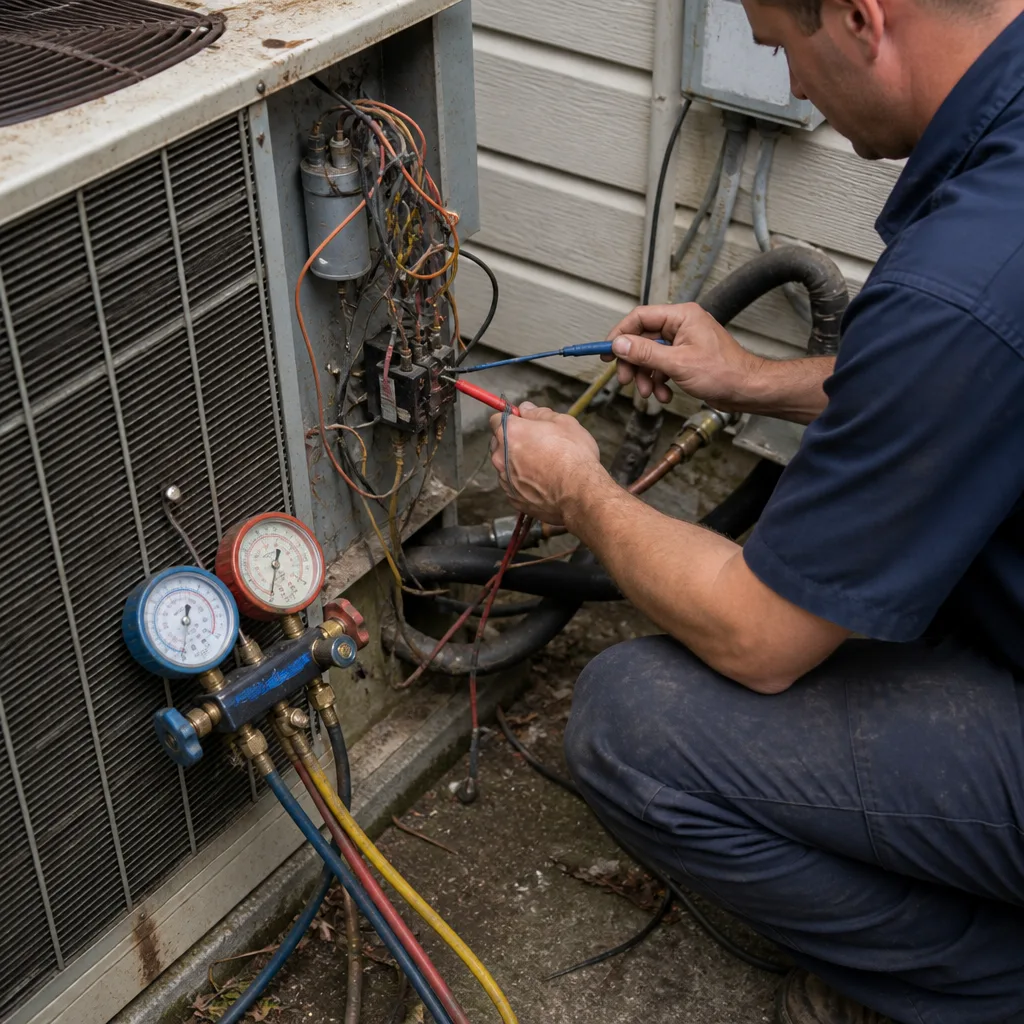
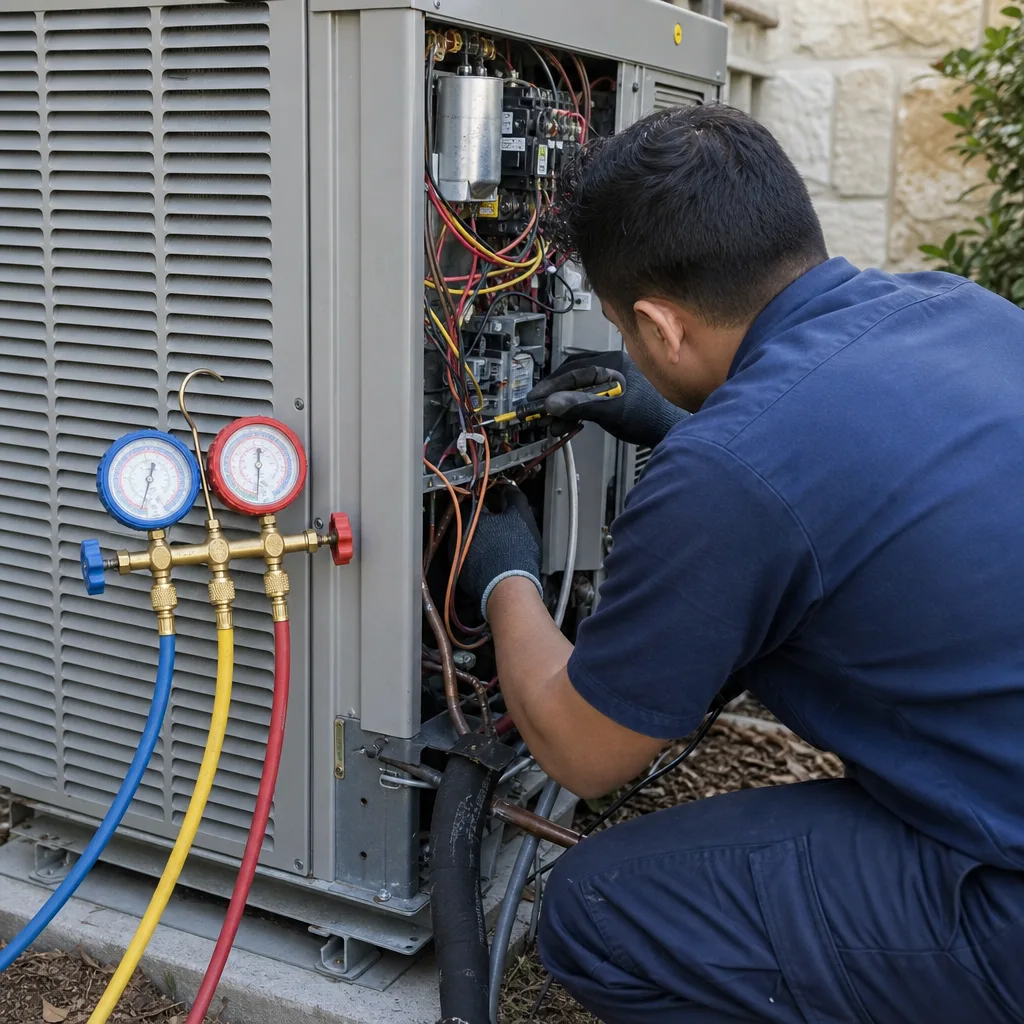
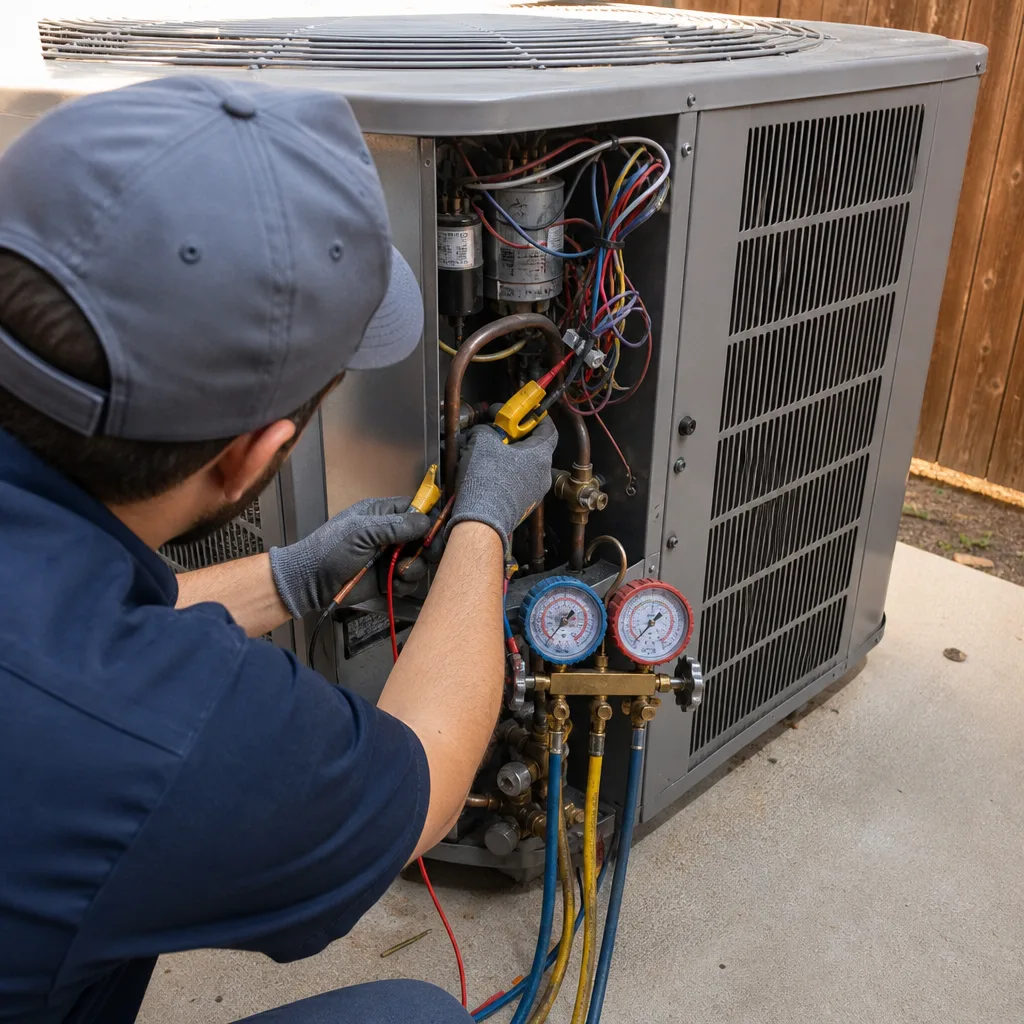
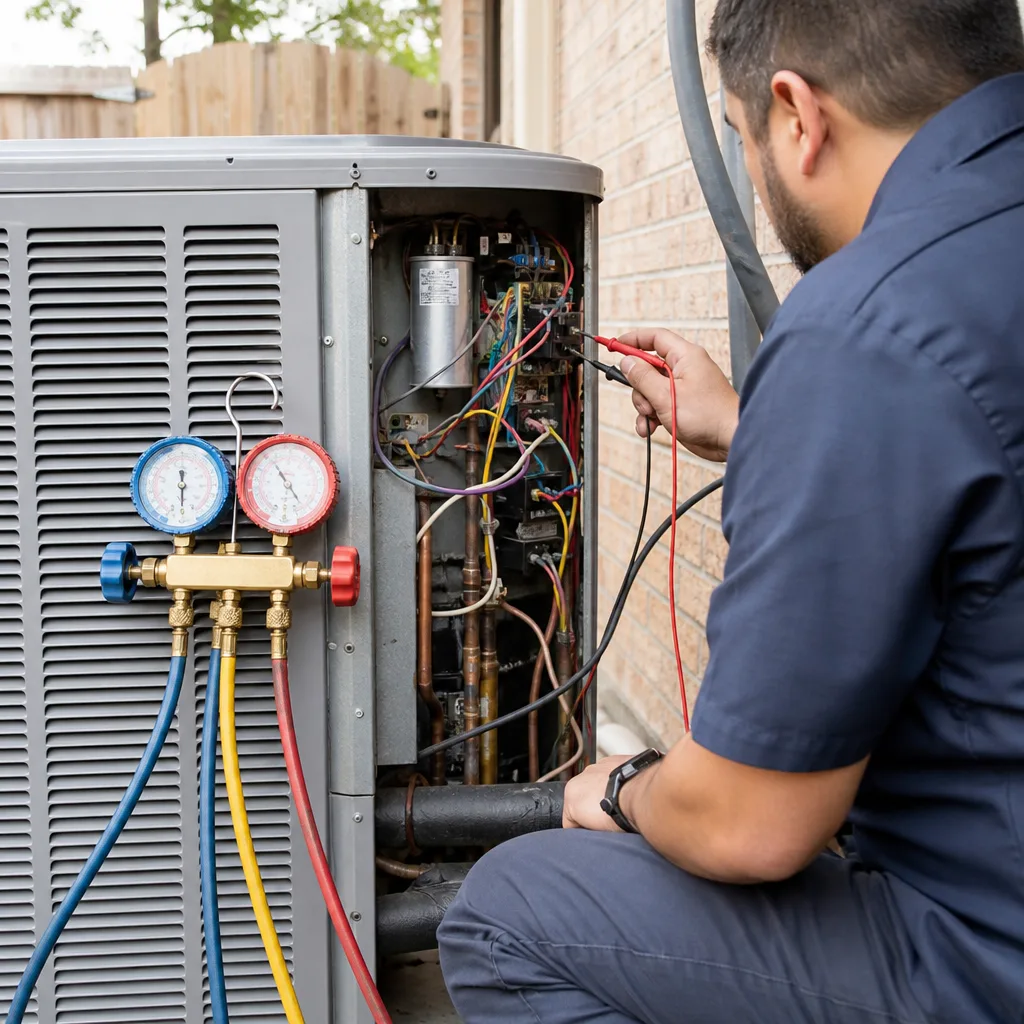
- Refrigerant charge verification. The technician should measure superheat and subcooling with gauges attached to the service valves. This is how you know the system has the correct amount of refrigerant. If the report lists “checked refrigerant” but does not include temperature or pressure readings in writing, the check was probably superficial.
- Condensate drain clearing and flush. In Austin, this is non-negotiable. The technician should flush the drain line, inspect the pan for standing water or biological growth, and confirm that the line drains freely.
- Evaporator coil inspection. The indoor coil should be checked for dirt, mold, and ice formation. A dirty coil reduces efficiency and can cause the coil to freeze, which then causes water damage when it thaws.
- Electrical connection tightening. Loose electrical connections are a leading cause of compressor and blower motor failure. The technician should inspect and tighten connections at the contactor, capacitor, and terminal blocks.
- Capacitor testing. A capacitor is a small cylinder that stores the electrical charge to start the motor. Capacitors in Austin fail more often than in cooler climates because heat degrades their internal chemistry faster. A technician who does not test the capacitor is skipping one of the most predictive checks available.
- Written report with findings. You should leave the visit with a written summary of what was checked, what was found, and what, if anything, needs attention. A verbal summary is not enough. The Kingswell Way, the standard that Cold Harbour Heating and Air Austin operates under, requires a written price before any work begins and a written guarantee on every repair. If a company will not put its findings in writing, that tells you something.
At Cold Harbour Heating and Air Austin home, our technicians are trained on nine major residential brands, including Carrier, Bryant, and American Standard, so the person who shows up can work on whatever system is already in your home. Every maintenance visit ends with a written report in your hands, not just a spoken summary.
Repair vs. Replace in Austin’s Long Cooling Season
Every homeowner eventually faces the question: fix the old unit or replace it? In Austin, the answer is different than in most of the country because our cooling season is so long and so demanding. A unit that struggles through a mild Denver summer might have years of life left. A unit that barely survives an Austin summer has already shown you its limits under the hardest conditions it will ever face.
Here are the decision criteria we use when advising Austin homeowners, and they are honest criteria, not sales tools.
- Age of the system. Most residential AC systems last 12 to 15 years in Austin. Some reach 18 with exceptional care. If your system is over 12 years old and needs a major repair like a compressor replacement, replacement usually makes more financial sense than repair. The compressor is the heart of the system, and replacing it on a 12-year-old unit is like putting a new engine in a car with 200,000 miles on the transmission.
- Cost of the repair relative to replacement. A common rule of thumb is to multiply the repair cost by the age of the unit. If the total exceeds the cost of a new system, replace. For example, a $1,800 compressor replacement on a 13-year-old system comes to $23,400, far more than the typical replacement cost in Austin. The math is not perfectly scientific, but it is a useful framework.
- Refrigerant type. If your system uses R-22 refrigerant, also called Freon, replacement becomes more urgent. R-22 has been phased out of production in the United States, and the remaining supply is expensive and shrinking. A refrigerant leak on an R-22 system can cost hundreds of dollars just for the refrigerant, and that cost will only rise. Newer systems use R-410A or newer refrigerants that are more available and less expensive.
- Runtime hours. Austin systems log far more hours than the national average. A 10-year-old Austin system may have the same runtime as a 15-year-old system in a cooler climate. This is why age alone is not the only factor. A system that has run 25,000 hours in Austin is closer to the end of its life than one that has run 15,000 hours in Minneapolis.
- Energy bills. If your summer electric bills have crept up year over year without a corresponding change in usage, your system’s efficiency is declining. A replacement system with a higher SEER2 rating can cut cooling costs by 20 to 30 percent, which in Austin’s long summer adds up quickly.
Carrier, Goodman, Rheem, and Daikin all make solid equipment, but the installation matters more than the badge. A poorly installed high-end system will underperform and fail early. A well-installed mid-range system will run efficiently for 15 years. The written guarantee that comes with the work is what protects you, which is why we put ours on paper for a full 365 days.
Common Mistakes to Avoid
- Closing too many supply vents. Austin homeowners often close vents in unused rooms to save energy. Your system is designed to move a specific amount of air, and closing vents raises static pressure, which strains the blower motor and can cause the evaporator coil to freeze. Leave at least 80 percent of your vents open.
- Planting shrubs too close to the outdoor unit. Central Texas landscapers love fast-growing shrubs, but a condenser needs at least two feet of clearance on all sides. When shrubs crowd the unit, airflow drops and head pressure rises, which shortens compressor life.
- Running the fan in the “on” position during humid months. When the fan runs constantly, moisture on the coil evaporates back into your home rather than draining away. In Austin’s humidity, this can raise indoor humidity noticeably. Use the “auto” setting during summer.
- Skipping the post-summer checkup. Many homeowners schedule spring maintenance and think the year is covered. But a long Austin summer puts more wear on a system than a full year of use in cooler climates. A fall checkup catches wear before it becomes a winter heating failure.
- Using the wrong filter size because it is on sale. A filter that does not fit properly allows air to bypass it entirely. That unfiltered air deposits dust and pollen directly on the coil. Measure your actual filter opening and buy the correct size, even if it costs a few dollars more.
- Ignoring a tripped breaker. If your AC breaker trips once, it might be a fluke. If it trips twice, something is drawing too much current. Resetting it repeatedly without investigation can damage the compressor and the electrical panel. Call a professional after the second trip.
- Putting off a refrigerant leak repair. A system that is low on refrigerant will run longer and hotter, which accelerates compressor wear. Small leaks become big leaks, and refrigerant is not a consumable like gasoline. If your system needs refrigerant added every year, it has a leak that needs to be found and fixed.
When to Call a Professional
Some maintenance tasks are within a homeowner’s reach: filter changes, condensate flushes, debris clearing, thermostat data review. Others are not. Call a professional when you notice any of the following: ice on the indoor or outdoor coil, a burning smell from the vents, a breaker that trips more than once, water pooling around the indoor unit, a hissing sound that suggests a refrigerant leak, or a system that runs constantly without reaching the set temperature. These are not maintenance issues. They are repair issues, and attempting to fix them yourself can be dangerous and can void your warranty.
Cold Harbour Heating and Air Austin offers free estimates in Austin, and the phone is answered by a live person 24 hours a day, 7 days a week. Call (361) 204-1605 and we’ll send a background-checked, uniformed technician with a written price before any work begins.
Frequently Asked Questions
Monthly from May through October, and once more in November before the system goes quiet for winter. Austin’s humidity makes biological growth in the drain line a near-certainty during the long cooling season, and a monthly flush with a cup of water is the cheapest prevention available. If the line backs up during a flush, call (361) 204-1605 for a professional clearing.
A MERV 8 to MERV 11 filter is appropriate for most of the year, with a step up to MERV 11 or MERV 13 during cedar and oak seasons if anyone in the home has allergies. Higher MERV ratings restrict airflow, especially in older systems, so monitor your system’s noise level if you upgrade. Check the filter every 30 days regardless of the rated lifespan.
A professional maintenance visit in Austin typically runs $89 to $189 for a single system, depending on the scope of the inspection and whether any parts need replacement. At Cold Harbour Heating and Air Austin, the written price is provided before any work begins, and every repair is covered by a 365-day written guarantee. Call (361) 204-1605 for a specific quote.
Yes for the basic items: filter changes, condensate drain flushes, debris clearing around the outdoor unit, and thermostat data-log review. No for anything involving refrigerant, electrical components, or the sealed compressor. These are closed systems that require training and certification, and DIY work can void your warranty. If you are unsure, a professional maintenance visit is a sound investment.
Check your smart thermostat’s runtime history for cycles shorter than 10 minutes or more than three compressor starts per hour during peak cooling. Short-cycling in Austin often appears first during the hottest afternoon hours, when the system is under maximum load. If you see the pattern, call a professional before the compressor fails entirely.
March or early April, before the first sustained heat wave, is the best time for pre-summer maintenance in Austin. October is the best time for a post-summer checkup. Scheduling in these shoulder months means shorter wait times, more flexible scheduling, and a technician who can inspect the system before it faces its hardest test. Call (361) 204-1605 to book either window.
The Bottom Line
Austin’s climate punishes air conditioners in ways that generic checklists do not address. The condensate drain clogs, the filters load up with cedar and oak, the compressor short-cycles in the afternoon heat, and the long cooling season burns through runtime hours faster than anywhere else in the country. The fix is a maintenance routine built around Austin’s actual seasons: flush the drain line monthly, check the filter every 30 days, watch your thermostat data log, and schedule professional maintenance in March and October. That combination prevents most failures before they start, and it keeps your system efficient during the months when efficiency matters most. For more guides & resources, visit our blog, or if you want a maintenance visit or a repair backed by a written 365-day guarantee, call (361) 204-1605. A live person answers, every time.
Written by Victor Mancini, Owner at Cold Harbour Heating and Air Austin, serving Austin since 2003.
See the difference
 Before
 After
After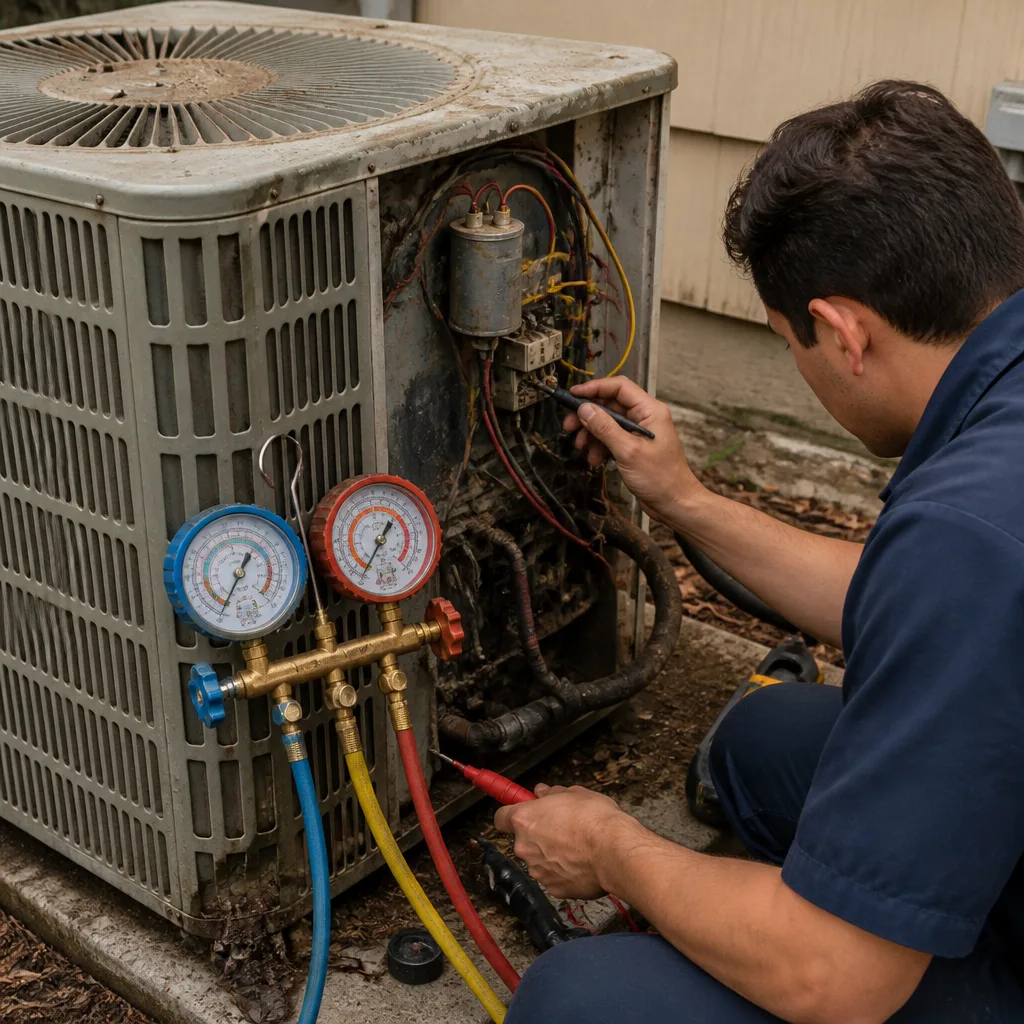 Before
 After
After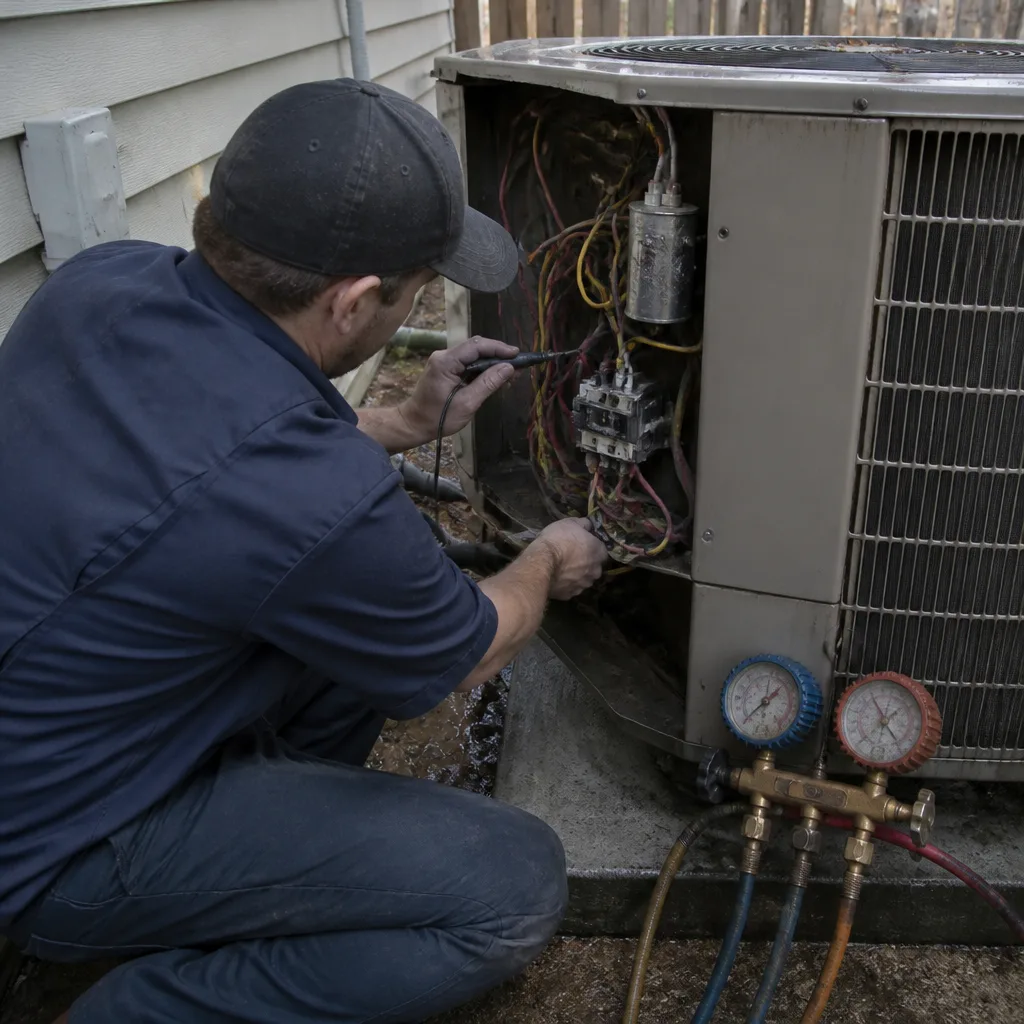 Before
 After
After